
You paid your Discover card down, but your credit score still shows a high balance. What gives? The answer is timing. Knowing when does Discover card report to the credit bureau can be the difference between a score that reflects your hard work and one stuck a month behind.
Discover, like most card issuers, sends your information to the bureaus on a schedule tied to your billing cycle, not to the moment you pay. Here is exactly how it works as of July 2026, and how to use that timing to your advantage.
When Does Discover Card Report to the Credit Bureau?
Discover reports to the three major credit bureaus, Experian, Equifax, and TransUnion, just after your statement closing date each month. In practice, Discover sends a snapshot of your account shortly after the statement closes, often the first business day after the cycle ends.
That means the balance the bureaus see is whatever is on your card at the moment the statement closes, not your balance today. Discover reports roughly once a month, so your credit reports update on that monthly rhythm.
Discover reporting at a glance (as of July 2026)
| Detail | How it works |
|---|---|
| Bureaus reported to | Experian, Equifax, TransUnion |
| Reporting timing | Shortly after statement closing date |
| How often | About once per month |
| Balance reported | The balance when the statement closes |
| Where to check your date | Discover app under Account Details |
Statement Closing Date vs. Due Date
These two dates confuse a lot of people. Your statement closing date is the last day of your billing cycle, when Discover totals up your charges and generates your bill. Your payment due date comes later, usually about 25 days after the statement closes.
The key point is that Discover reports based on the closing date, not the due date. So the balance shown on your statement is usually the same balance that gets reported to the bureaus.
How to Find Your Discover Reporting Date
You can find your statement closing date on your most recent Discover bill. In the Discover app, tap your card, then select Account Details. Many cardholders also see a line that reads "Next reporting date" with a specific date, which tells you exactly when your next update goes out.
Knowing this date is powerful. It lets you plan payments so the balance that gets reported is the one you want the bureaus to see.
Why the Reported Balance Affects Your Score
About 30% of your FICO score comes from credit utilization, which is how much of your available credit you are using. If your limit is $2,000 and your statement closes with a $1,000 balance, the bureaus see 50% utilization even if you pay it off two days later.
High reported utilization can drag your score down, so the balance at closing matters more than most people realize.
How to Time Payments Before Discover Reports
Here is the trick: make an extra payment a few days before your statement closing date, not just before the due date. That lowers the balance Discover reports and can improve your utilization ratio.
Many people aim to have their statement close with a balance under 30%, or even under 10%, of their credit limit. Paying early does not hurt anything, and it may help your score reflect a lower balance. Results vary, and on-time payments over time still matter most.
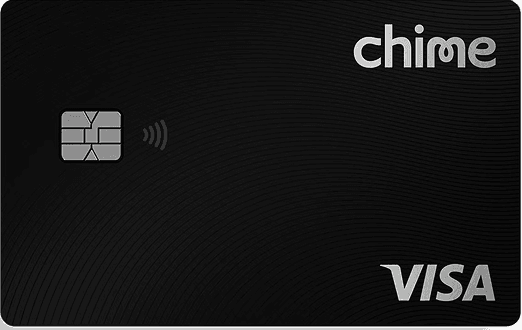
If you are building credit from scratch and want a card designed for that, several options report to all three bureaus just like Discover. The Chime Card™ is a secured card with no annual fee and no credit check to apply, and it reports your activity to the major bureaus to help you build history.
Chime Card™
Chime Card™
Chime Card™ is Chime's secured credit card and has the reliable Chime credit-building features plus 5% cash back rewards on category of choice (with qualifying direct deposit) and access to cash at ATMs.¹
Fee
$0
APR
No interest
Minimum Deposit Amount
$0
Credit Check
No
Cashback
5% cash back rewards on category of choice (with qualifying direct deposit)
Benefit
Overdraft up to $200 without fees for eligible members.
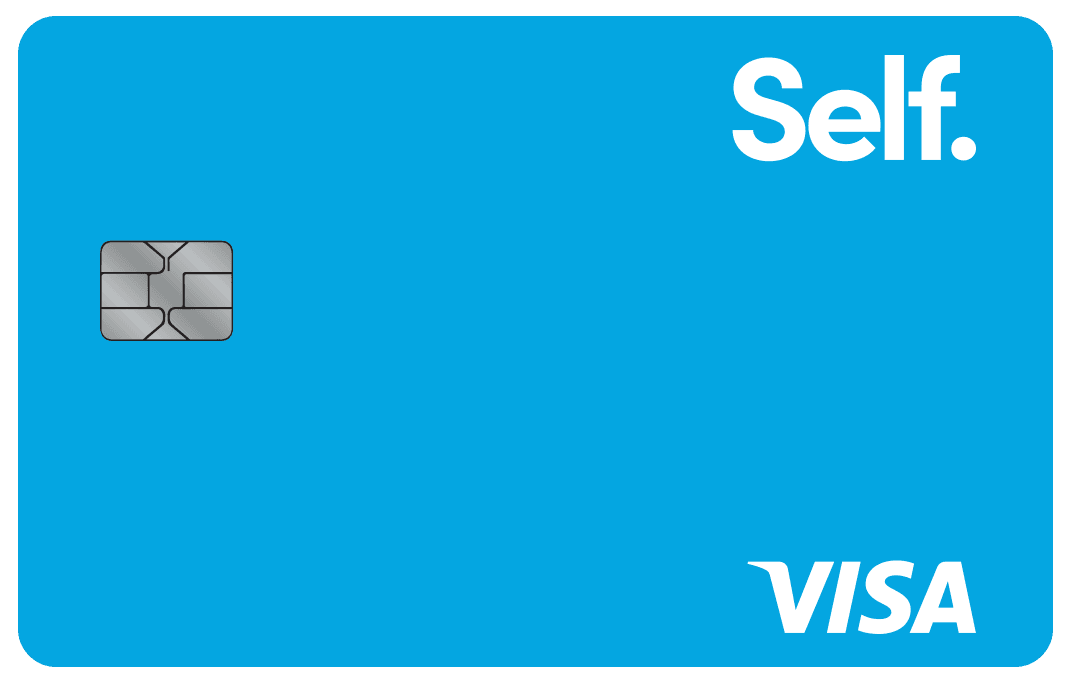
Another popular credit-building option is the Self Visa® Credit Card, which is secured by savings you build through a Self Credit Builder Account. It reports to all three bureaus, so on-time payments may help your credit grow over time. APRs vary by creditworthiness, and terms and conditions apply.
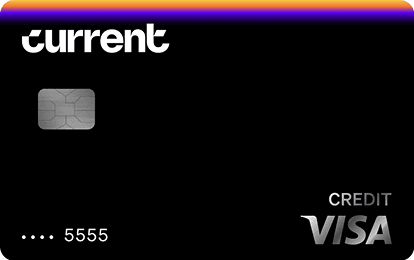
The Current Build Card takes a similar approach. It is a credit-building card tied to your Current account that reports your payment activity to the bureaus, aiming to help you build credit without a traditional hard credit check. Like any credit builder, consistent on-time payments are what drive results.
Current Build Card
Current Build Card
$0 annual fee. No minimum deposit required. No credit check required. 1 point per dollar on eligible categories. Reports to Experian, TransUnion, Equifax.
Fee
$0
APR
0%
Minimum Deposit Amount
$0
Credit Check
No
Cashback
1 point/dollar on eligible categories (with qualifying payroll deposit)
Benefit
No credit check, no deposit minimum
If you also want a modern checking setup to manage those payments, Current Banking offers fee-free mobile banking with early direct deposit and savings pods, which can make it easier to keep cash ready for your card payments before each statement closes.
Current Banking

Current Banking
Current is a mobile-first banking app with no monthly fee and no minimum balance. Members can earn up to 4.00% APY with a qualifying direct deposit of $200, receive direct-deposit paychecks up to 2 days early, and overdraft up to $200 fee-free.
Standout feature
4.00% APY on Savings Pods (with a $200+ qualifying direct deposit) plus paycheck up to 2 days early — both included on the standard account for free
Fees
Free
Pros
$0 monthly fee; up to 4.00% APY on Savings Pods with qualifying direct deposit; paycheck up to 2 days early;
Cons
No physical branches
What If Your Discover Report Looks Wrong?
Sometimes a payment does not show up when you expect. Remember that Discover reports about once a month, so a payment made right after your statement closed may not appear on your credit report for a few weeks.
If a balance still looks wrong after your next statement closes, check your Discover account first, then pull your free credit reports at AnnualCreditReport.com. If you spot a genuine error, you can dispute it with the bureau directly.
Pros and Cons of Discover's Reporting Schedule
Pros: Discover reports to all three major bureaus, which helps build a well-rounded credit history. The schedule is predictable, tied to your statement closing date, so you can plan around it. And you can see your next reporting date right in the app.
Cons: Because reporting happens only about once a month, a paid-down balance can take weeks to show up. And if your statement closes on a high balance, that number sticks on your report until the next cycle, even if you pay it off the next day.
Frequently Asked Questions
How often does Discover report to the credit bureaus?
Discover reports to all three major credit bureaus about once a month. The update goes out shortly after your statement closing date, so your credit reports refresh on a roughly monthly cycle. A payment made right after the statement closes may not appear until the next reporting date.
Does Discover report the balance on my due date or closing date?
Discover reports the balance from your statement closing date, not your due date. Whatever balance is on the card when the statement closes is typically what shows up on your credit report. That is why paying down the balance before the closing date can lower your reported utilization.
How do I find my Discover reporting date?
Open the Discover app, tap your card, and select Account Details. Many cardholders see a "Next reporting date" line with a specific date. You can also find your statement closing date on your most recent bill and expect reporting to happen shortly after.
Can I lower my credit utilization before Discover reports?
Yes. Make an extra payment a few days before your statement closing date so the card closes with a lower balance. Since Discover reports that closing balance, a smaller number may improve your utilization ratio and could help your score. On-time payments over time still matter most.




